In response to the NSFW ban being enacted by Tumblr Staff, on December 17th 2018 I propose that we all log off of our Tumblr accounts for 24 hours.
The lack of respect and communication between staff and users is stark. Users have been begging staff to delete the porn bot outbreak, which has plagued the website for well over a year. The porn bots oftentimes send people asks and messages, trying to get them to go to a website full of viruses. They also spam advertisements on others posts.
Users have also begged that Tumblr ban neo-nazis, child porn, and pedophiles, all which run rampant on the site. The site/app got so bad that it was taken off the app store.
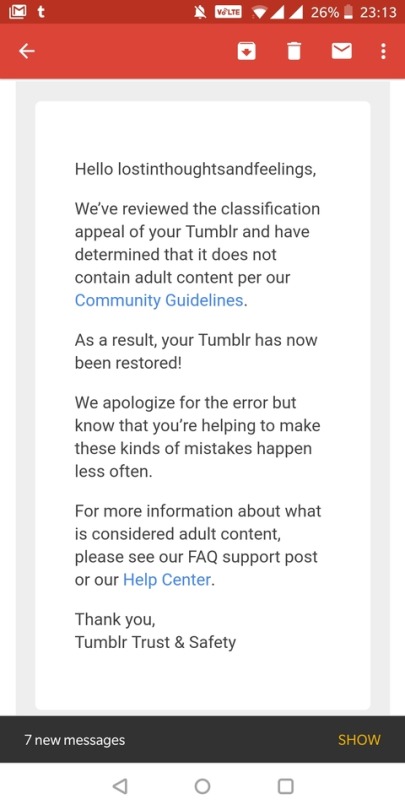
However, instead of answering the users, Tumblr has instead taken the liberty to ban all NSFW content, regardless of age. But users have already run into issues of their SFW content being marked as sensitive and being flagged as NSFW, not allowing them to share their work.
Not only does this discriminate again content creators, but it also discriminates against sex workers. Disgustingly, the ban will be enacted on December 17 which is also International Day to End Violence Against Sex Workers.
This ban is disgusting, and while I (and plenty of others) welcome porn bots and child porn being banned, the Tumblr filtration system is broken. It tags artistic work’s nipples as NSFW (when it is art), it tags SFW art as NSFW (when it is not), and does not stop the porn bots, neo-nazis and dozens of other issues.
This ban is discriminatory. This ban is ineffective. This ban is unacceptable.
To protest, log off of your Tumblr account for the entirety of November 17th. Log off at 12 am EST or 9PM PST and stay off for 24 hours. Don’t post. Don’t log on. Don’t even visit the website. Don’t give them that sweet ad revenue.
Tumblr’s stock has already taken a hard hit. Let’s make it tank. Maybe then they will listen to the users.
If you can’t afford a commission and still like to help, please consider tipping/buying me a ko-fi or simply reblog this post! Any amount of help I can get is highly appreciated! (´。• ω •。`)💦 Click HERE.
Buying me 2 ko-fis will get you a small chibi doodle(example above), please leave a message on the website page or dm me your request here. Additional characters will be another 2 ko-fis.
★ Payment.
Pricing is USD based.
I will only be accepting payment via PAYPAL/ko-fi.
An invoice will be sent to you.
Payment must be made before you receive the artwork, preferably after I sent the rough sketch.
Reblogs and tips are much appreciated! I’m hoping to earn as much as I can before the 20th, don’t hesitate to drop me a message if you have questions! Thank you! 。゚( ゚^∀^゚)゚。
Okay, folks. So. Tumblr’s jumped the shark in a big way, and I’m not even just talking about indiscriminately blocking all “adult” content on a platform that IS, in fact, primarily 18+.
Many blogs, like the wonderful @blackkatmagic , that are not especially NSFW have vanished.
(And I for one LIKE being able to go to curated porn blogs run by actual people and have a chance of finding stuff to my taste, it was one of the things that kept me on this hellsite, but that’s another issue entirely.)
I know lots of people are talking about migrating, but none of us are sure to where yet. Pillowfort seems to be an option, some people are talking about Twitter. But for now, it’s a mess, and even if we knew where we were going, it’s often a huge process, and a lot of us have stuff on tumblr that ONLY exists there.
One possible quick solution to save your blogs, both NSFW and personal, is to import it to WordPress. I found this solution through from frantic googling on how to save an entire blog, text posts an all. There are several apps for downloading all the pictures from a tumblr, (Plently for Windows, but only a few paid ones for mac, of which Tumbelog Picture Downloader is working for me so far) but this is the only solution I’ve seen so far that allows you to save EVERYTHING. I downloaded my NSFW blog in like 10 min. My regular blog, which is significantly larger, is in the process of importing, but I don’t anticipate any problems. I will, of course, update you if I have any.
This tutorial I found worked really easily. http://quickguide (.) tumblr (.) com/post/39780378703/backing-up-your-tumblr-blog-to-wordpress
I put parenthesis around the .’s like we’re back in FF-Hell, just in case tumblr’s new thing about outgoing links kicks in. You know what to do.
To break it down, just in case:
Sign up for a WordPress.com account at wordpress (.) com/start
You’ll have to create an account, with your email, a username, and a password. They should send you a confirmation email immediately, check it, activate it, and you’re good to go.
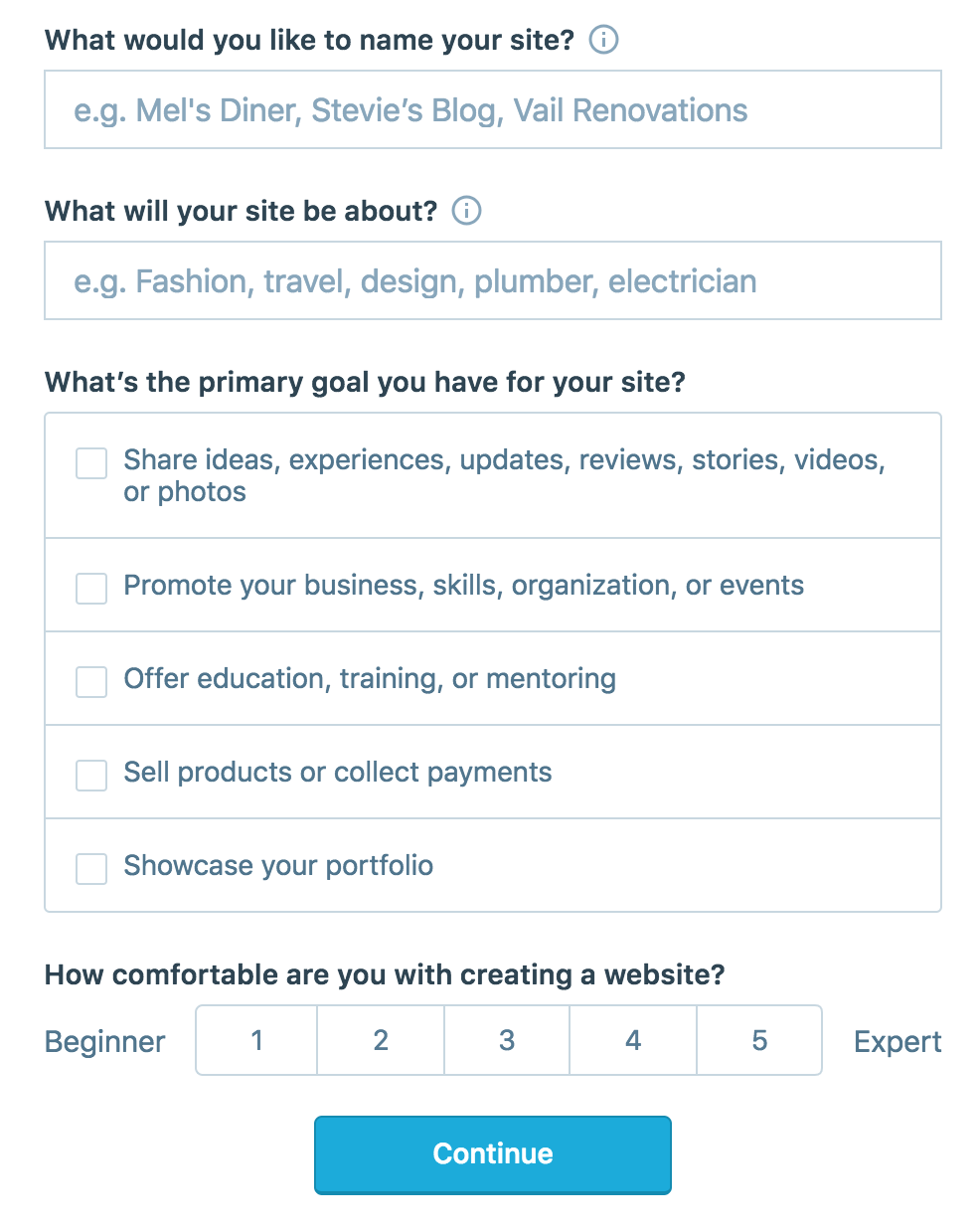
On the site, it will ask you for a site name. That page asks you a bunch of other information too, but you only have to fill out the site name.
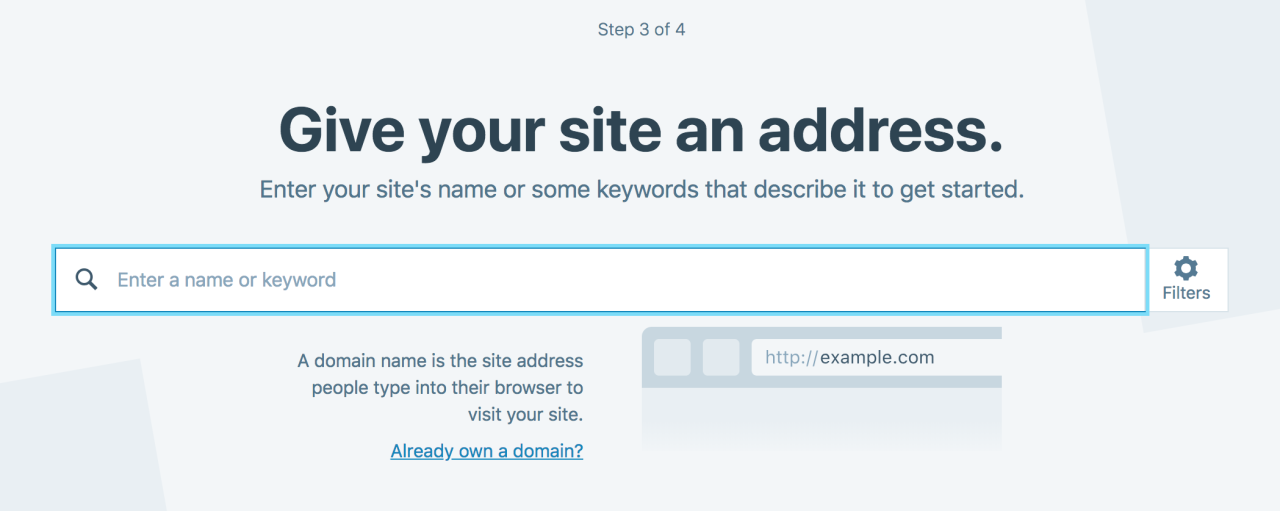
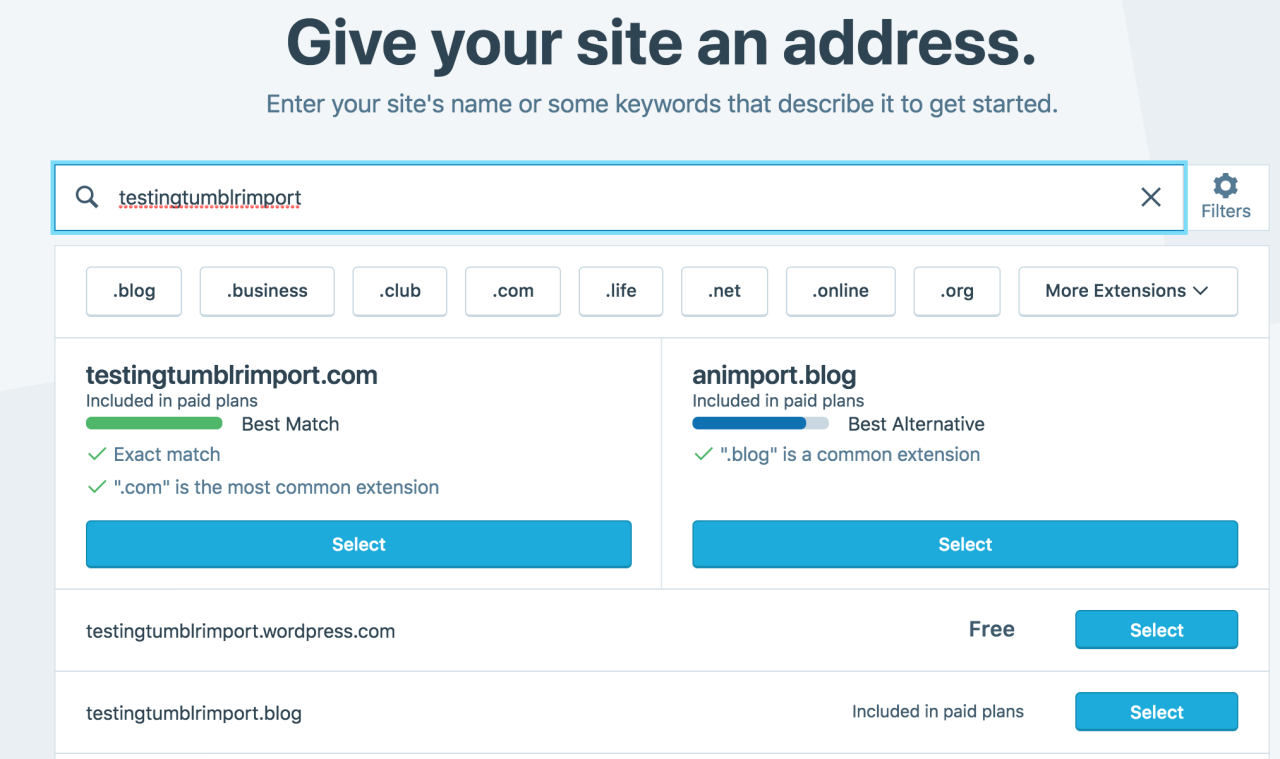
Then you have to give your site a URL. If you’re lucky, your tumblr URL is still available, if not you’ll have to come up with another one, sorry.
It will tell you if that option is still available for free.
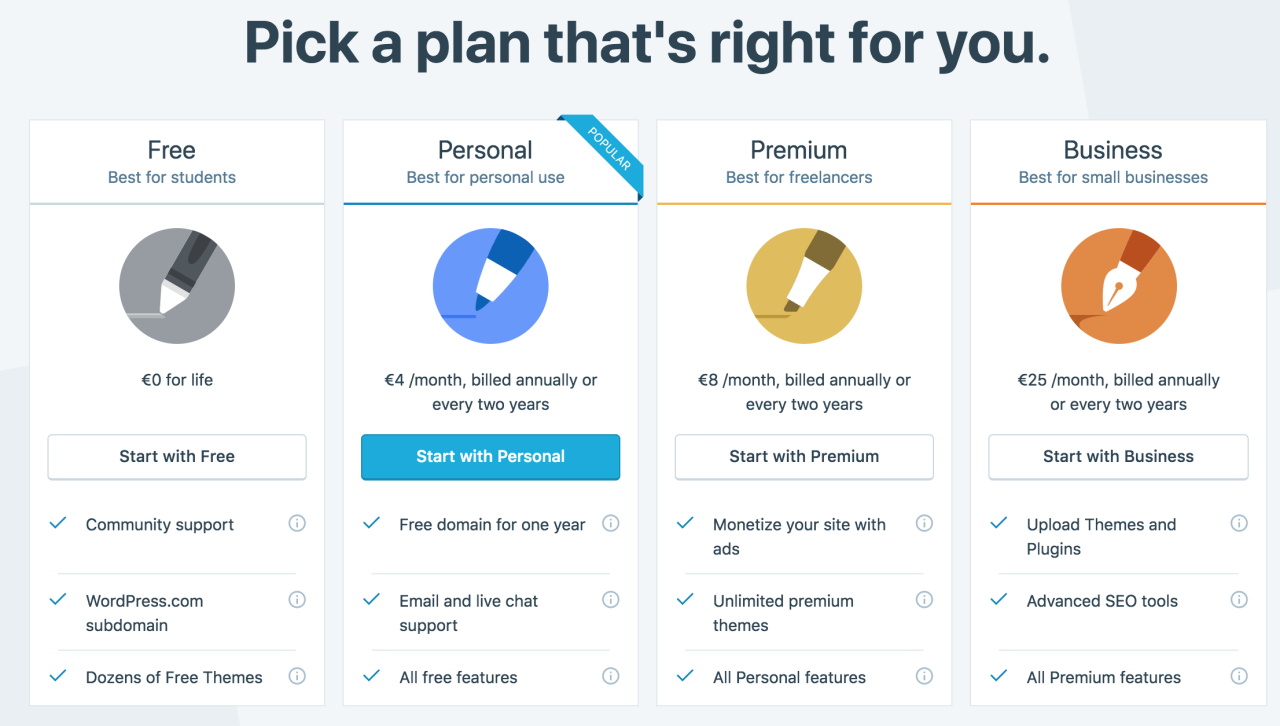
Then it will ask you to pick a plan. Free is really good enough, I swear.
Now you’re set up! You can import your tumblr!
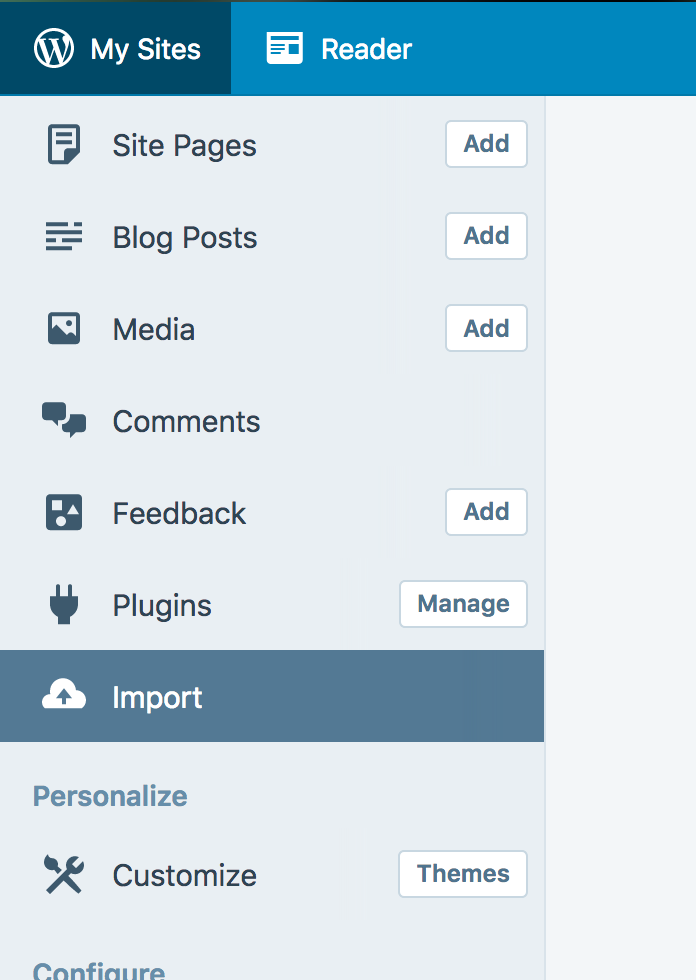
The only differences from the linked tutorial are that the Import button is now on the first level menu, not in tools.
Hit Import, then you have to follow the link for “other importers” at the bottom, to find the option for Tumblr.
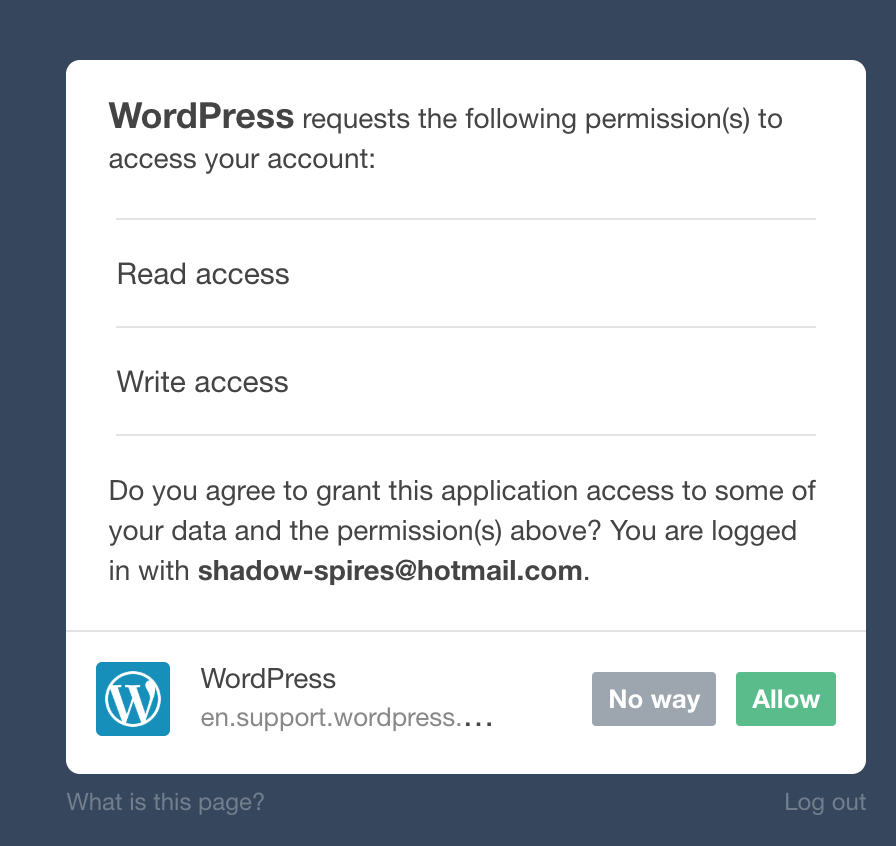
Then you’ll have to sign in with tumblr, using your normal tumblr credentials. You’ll be redirected there automatically.
You’ll have to allow WordPress permissions on your blog.
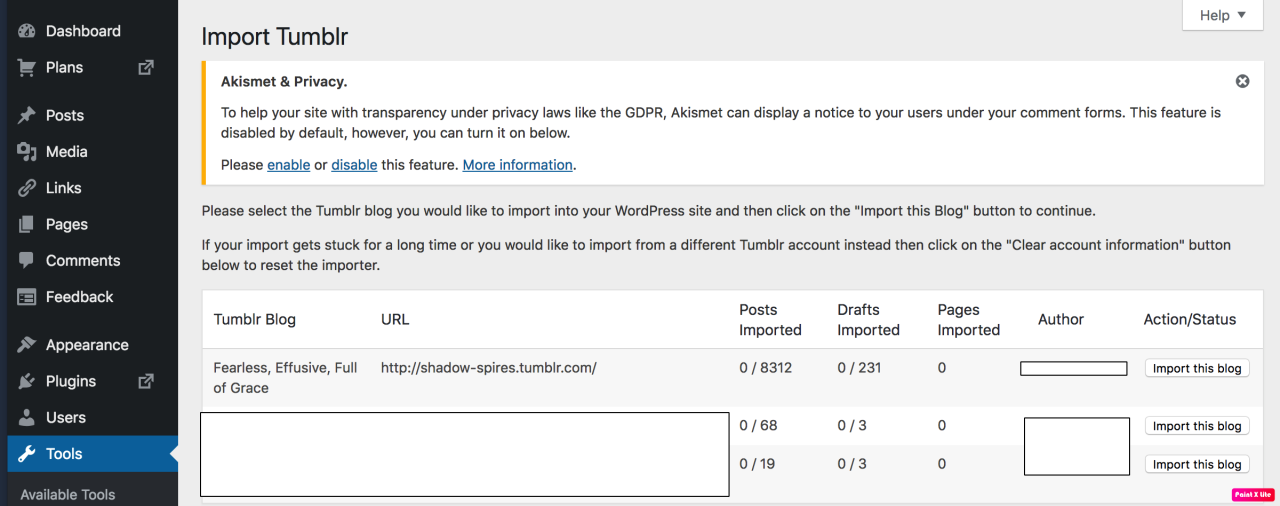
Then your blogs, including all your sideblogs, will show up in wordpress.
Hit import, wait a WHILE depending on the size of your blog, and you’re done!
ALSO!!
I made my NSFW blog private for now, since I don’t know WP’s policy on NSFW.
This means that to access it, someone has to have an account and request access. But hey, part of our problem on this hellsite has been people going places they aren’t wanted, so I don’t personally see this as a bad thing. They can send a request from the landing site on your blog, you get an email, click a link in the email, and PRESTO, they have access.
To make it private, go to Settings > Reading > Site Visibility. Go back and check, it took me changing the setting twice for it to actually stick.
tl;dr, you can import your entire blog to wordpress in just a few steps.
I’m going to tag the hell out of this, in no particular order. PLEASE reblog this and spread the word so people know it’s an option. If you’re having trouble, PM me, and I’m happy to help.